Still stutters, jitters, and drops frames on Netflix, Youtube, etc. Nice update Xiaomi!
Update size: 557.3MB.
Description: Update contains DRM patch with Netflix and CTS security patch.
Build number: once-user 6.0.1 MHC19J 699
Not the Nougat I'd hoped for but at least it shows we're getting some (belated) security patches and other fixes.
Build number?
Wow....an October 1st security patch. Last time I checked it was January. Thanks for nothing Xiaomi.
It still doesn't fix the netflix issue.
still have the netflix issue and now the power button menu option is gone! Can't set the power button to sleep the box anymore.
Will probably have to return it and get a Fire TV. It's beyond shocking to release a streamer that doesn't reliably play netflix!
This seems to have fixed the migrate data to USB bug. It appears I can now move apps to a usb drive and the free space is actually given back to the internal disk. Woohoo!
Was super excited to update, especially seeing the Netflix fix. Also hoped that the Plex audio/video sync would be fixed. What was I thinking? This box is such a piece of crap and I'm pre-ordering a shield right now!
I kicked mine down from 4k@60 to 1080p@60 and haven't seen the Netflix error since.
Glad they are releasing an update! Looking forward to Nougat!
How do I update mine ?
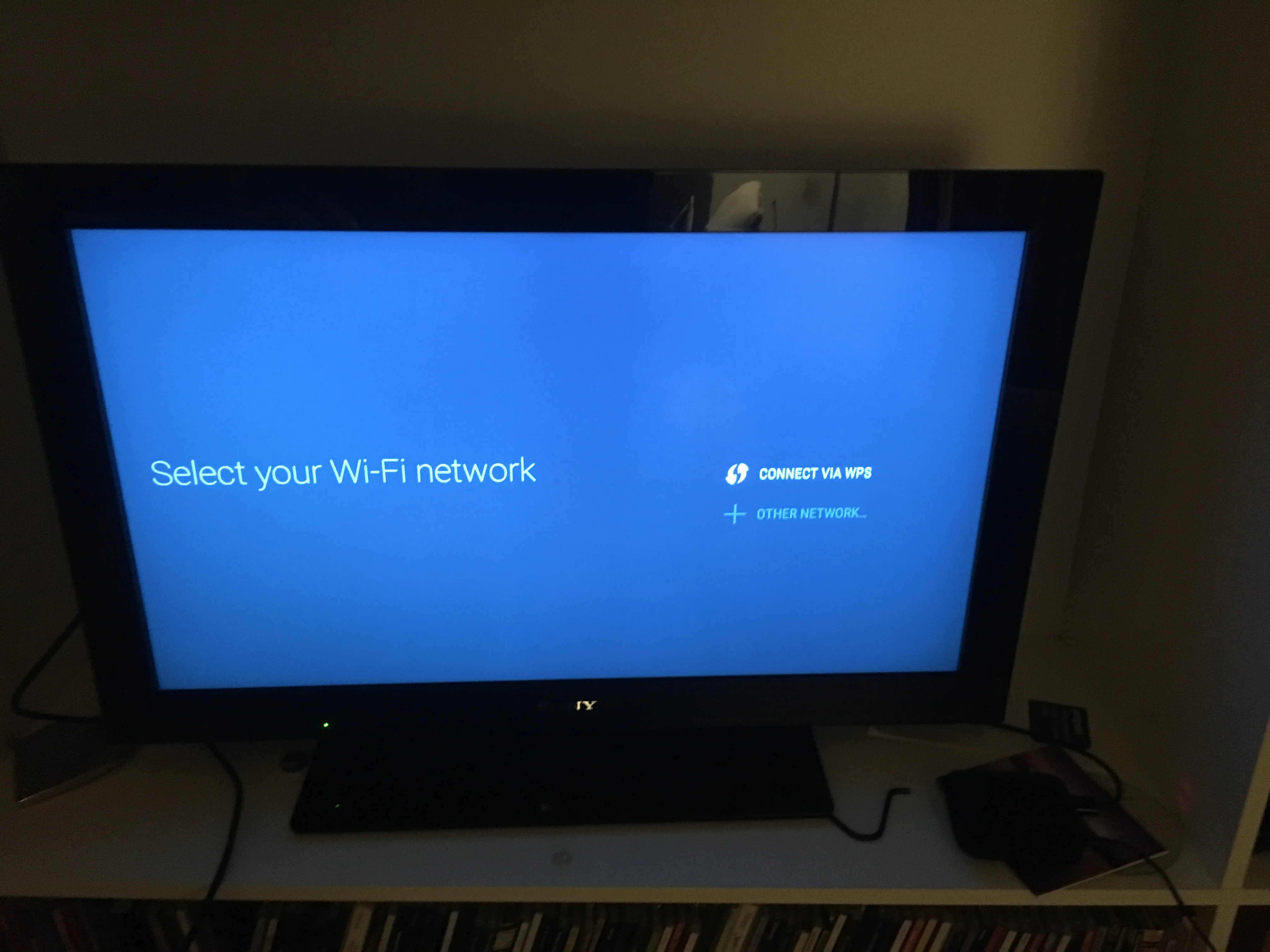
Just a warning, mine updated and now I can't connect to any of my wifi networks!
I still have the Netflix issue. Obviously I have "Auto switch to best resolution" and "HDMI self-adaption" to ON and HDR OFF since my TV doesn't support it. I tried to sideload an old Netflix APK from another build with no luck. The only way to see Netflix is with the standard app, just grab the APK for smartphone and tablet from apkmirror and install it, the UI is similar, you can't play/pause content while streaming but it works. I hope that a fix, a real fix, will be released soon.
Is the issue with Sling TV app staying stuck on the splash screen fixed? I have that problem sometimes and have heard others experiencing it too. Force closing the app works occasionally, but a reboot fixes it.
I have mine but now it does not wake up Mi device after sleep, i have to unplug power or hdmi cable to able to work, i replace the hdmi cable any ideas
Happy to see an update but I have had zero issues with the two Mi boxes I have.