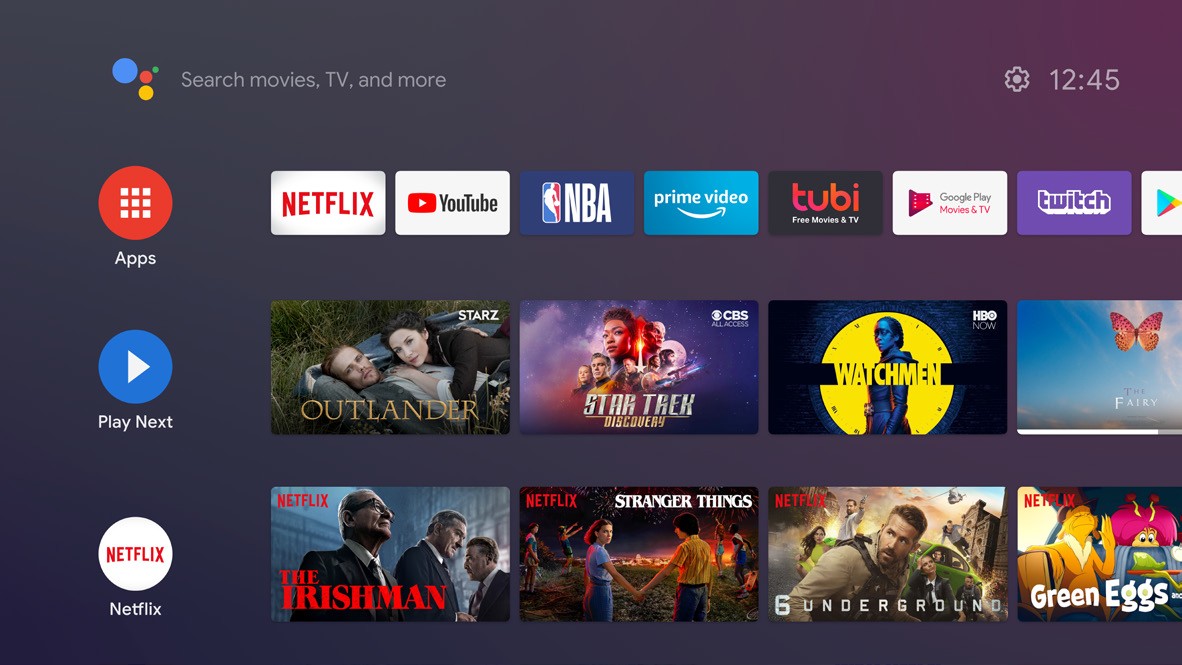
My home screen looks like this:
My remote is very simple and has no input button.
https://m.media-amazon.com/images/I/71u5v9JCVHL._AC_SX679_.jpg

How do I switch to an HDMI input?
My home screen looks like this:
My remote is very simple and has no input button.
https://m.media-amazon.com/images/I/71u5v9JCVHL._AC_SX679_.jpg
How do I switch to an HDMI input?
This application is specifically targeted for devices such as yours.
https://play.google.com/store/apps/details?id=dev.vodik7.tvquickactions
What tv is this?
What is your android tv model?
Hi, you should be able to go over to settings, inputs should be underneath settings.
Are your voice commands on? You can say something like "Switch Input to xxx", at least on my Sony Bravia. If not, if you can get at Settings via the remote, there should be input options under that.
It looks like you have an Nvidia Shield tv, here are 2 possible solutions depending on which Shield remote you have.
For the older Shield remote ( 2017 flat, no Netflix button) your best option is to download 'button mapper' and make a shortcut to change the TV's input when you long press a button of your choice.
For the newer Shield remote ( triangular w/ Netflix button). Hit the settings button ( top right corner w/ 3 lines) > remotes & accessories > customize menu button > you can customize the button to change inputs based on the type of press you select
How is your background colored ?
With your tv remote.